
The position plan is not only visualized graphically in the org chart but is also available as a clear list.
The staffing list shows all positions – including the level of staffing and organizational affiliation. Numerous sorting and filter functions provide an overview of unfilled positions or vacancies in a matter of seconds.
The organizational chart can be created with just one click and can be easily printed out or exported as a PDF file – even in excerpts.
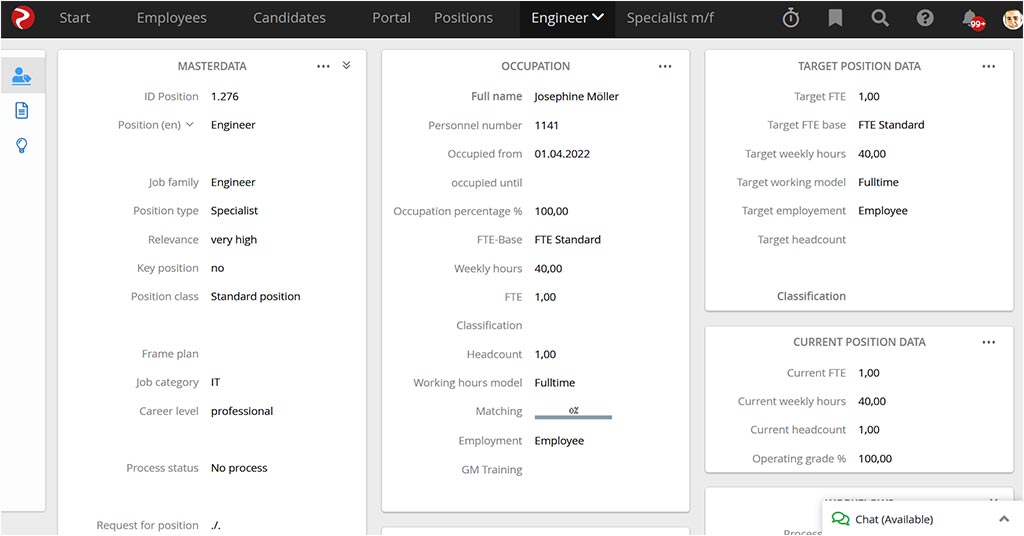
In combination with skill management, you assign one or more skill schemes and target competencies to a position. In this way, you enable a clear comparison between an employee’s desired skills and their actual abilities.
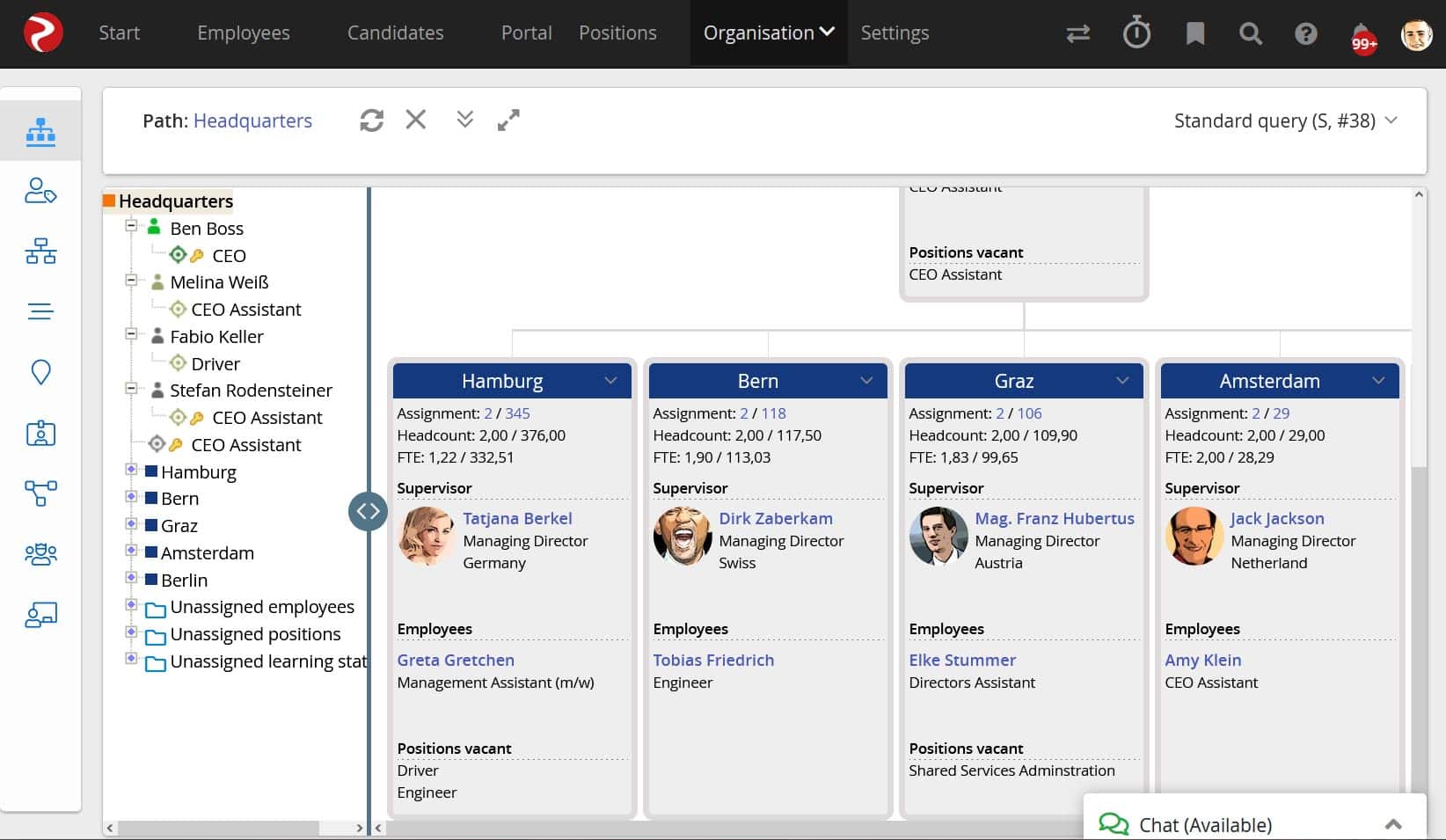
Org chart supports any nested and parallel job plans in a highly intuitive interface. When you open the branches, you will find all the details about the job holder, the matching with the requirements profile, the time of filling and the option to advertise this position, e.g. via Rexx recruiting.
You can quickly and easily create new organizational units, define hierarchy levels, assign the staff and management units, carry out transfers and edit the position plan.
Transfers, promotions and other organizational changes are automatically documented in the relevant employee’s digital file in Development chart.
You can use the employee portal to enable managers or employees to view the respective organizational charts or position plans via self-service.
The “My Team” display offers a variety of viewing options. You will find all information about the vacancies there. The intuitive navigation with extensive filters and a zoom function from the overall picture down to the smallest detail ensures a precise overview of the positions. All information about jobs, vacancies and hierarchies are clearly displayed in the org chart.
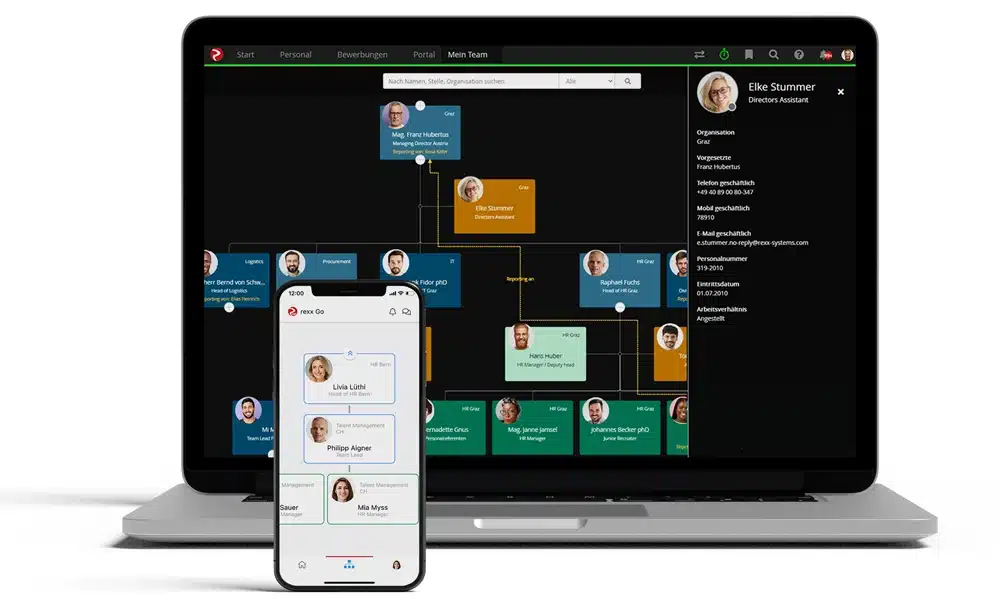
Employees can view the organizational charts at any time, both in the portal and mobile in the Rexx Go app. All important data for each person is available with one click.